


WordPress 7.1 Is Here: What Businesses Should Know Before Upgrading
- Aug 20, 2026
- Satya P.
- Technology Strategy, Web & Application Development, WordPress
- 11 Mins. Read
Most businesses do not care which version of WordPress they are running.
They care whether the website is generating enquiries, supporting campaigns, helping customers, publishing reliably and representing the business well.
That is exactly why WordPress 7.1 deserves attention.
Released on August 19, 2026, WordPress 7.1 introduces changes across responsive design, media handling, content collaboration, accessibility and the foundations for deeper integrations and automation. The official WordPress 7.1 Field Guide provides the complete technical overview.
For an established business website, the more useful question is:
What does WordPress 7.1 improve, and is the platform around WordPress ready for the change?
A mature WordPress website is rarely just WordPress. It becomes connected to CRM systems, analytics, advertising platforms, forms, payment gateways, APIs, custom code and plugins. In long-running platforms, the complexity has usually accumulated around WordPress.
That is the perspective from which businesses should evaluate WordPress 7.1.
Executive takeaways
• WordPress 7.1 offers useful improvements, but the business priority is protecting customer journeys, marketing data and publishing continuity.
• Responsive controls, browser-side media processing and improved Notes can reduce everyday friction for content and marketing teams.
• Custom blocks, older plugins and bespoke editor workflows deserve structured compatibility testing before production deployment.
• A major upgrade is also an opportunity to review accumulated plugins, integrations, infrastructure and technical debt.
Should businesses upgrade to WordPress 7.1 now?
Most businesses do not need to upgrade immediately.
A website using a current theme, well-maintained plugins and limited custom development may have a straightforward upgrade path. However, sites running WooCommerce, custom blocks, bespoke themes, multilingual functionality, memberships, customer portals or complex integrations should be tested in a staging environment before deployment.
What is actually worth paying attention to in WordPress 7.1?
Most business leaders do not need to understand hundreds of Core and editor changes. A smaller number matter because they affect four things businesses care about:
customer experience, team productivity, platform reliability and long-term maintainability.
Responsive design is becoming easier to manage inside WordPress
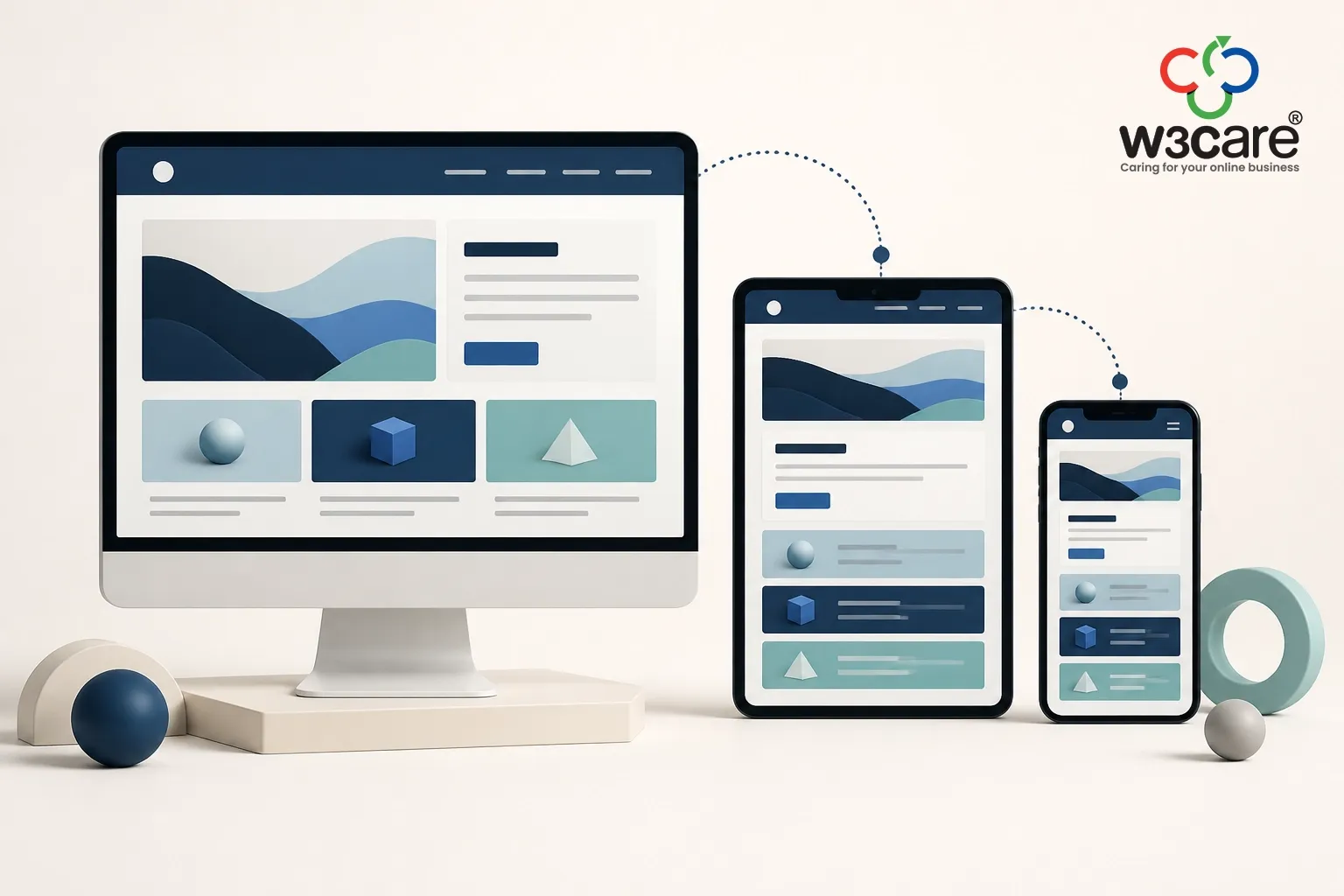
One of the more useful additions in WordPress 7.1 is responsive styling at block level.
Content teams can control how elements behave across desktop, tablet and mobile views, including areas such as typography, spacing, backgrounds, borders and layouts.
Marketing teams routinely build campaign pages, publish service content and adjust landing pages. A relatively simple change can sometimes require development work simply because the mobile version also needs attention.
Better native controls can reduce that friction, although brand consistency, accessibility and governance still matter. When the CMS handles routine presentation requirements, marketing teams can move faster and developers can focus on work that genuinely requires engineering.
For many businesses, mobile is the customer experience.
Media improvements matter most when content becomes operational
Another meaningful change in WordPress 7.1 concerns what happens when someone uploads an image.
On supported browsers, WordPress can now perform more image processing on the user's device rather than relying entirely on the web server. This includes work such as resizing, compression and thumbnail generation.
For a small company website, the difference may barely be noticeable. For a publisher, retailer, university or content-intensive marketing team, it could be more useful.
Large photographs can fail to process, editors may need to resize files manually, and servers can hit resource limits. Individually these are small problems; together they create publishing friction.
Moving more media processing into the browser can reduce some of that pressure while making the publishing workflow more resilient.
Some of the release's better improvements are not designed to look impressive. They make existing work easier.
Content collaboration is becoming less fragmented
WordPress 7.1 also improves Notes, its built-in system for leaving editorial feedback, as outlined in the official WordPress 7.1 roadmap.
Reviewers can attach comments more precisely to content, use richer formatting and bring colleagues into discussions using mentions.
That may sound small until we consider corporate publishing, where subject experts, marketing, management, legal, design and web teams can all participate.
The feedback can end up spread across email, messaging tools, documents, screenshots and project-management systems.
Keeping more of that conversation attached to the content itself can simplify the process.
WordPress is not replacing every collaboration platform, and full real-time collaborative editing was not part of the 7.1 release. But the direction is clear.
WordPress is gradually becoming better at supporting the process around publishing, not simply the act of editing a page.
For organisations producing content at scale, that matters.
The quiet opportunity: reducing unnecessary WordPress complexity
As websites age, it becomes valuable to ask what WordPress can now do natively that once required another dependency. Established platforms accumulate plugins for layouts, content features, integrations and problems that may no longer exist. Most decisions were reasonable when made, but their effect is cumulative.
Every dependency becomes something that needs to remain supported, secure and compatible with everything around it.
The healthiest WordPress website is often the one that meets the business requirement with the least unnecessary complexity.
WordPress 7.1 continues expanding native editor and design capabilities. That does not mean businesses should start removing working plugins because WordPress has introduced an alternative.
It does mean that a major upgrade creates a useful moment to ask:
Is our WordPress platform still as simple as it reasonably can be?
For mature environments, that question can create more long-term value than any individual feature in the release.
One WordPress 7.1 change deserves particular attention on custom websites
WordPress 7.1 completes the move to an iframe-based post editor across themes.
For most modern implementations, this should be largely invisible. For highly customised environments, it deserves proper testing.
Custom Gutenberg blocks, older plugins, bespoke publishing interfaces or code that interacts directly with the editor may behave differently.
Looking at the homepage after an update is not testing.
The website may appear completely normal to visitors while the marketing team discovers that an internal publishing tool no longer behaves correctly.
Testing therefore needs to include the people who operate the platform, not only the pages customers see.
For businesses running heavily customised environments, experienced WordPress development and upgrade support should look at both sides of the platform: the public customer experience and the operational workflows behind it.
A technically successful upgrade can still become a marketing problem
A WordPress upgrade can complete successfully, the website can remain online, and the business can still have a problem. A lead form may stop reaching the CRM, a conversion event may disappear, a campaign page may change on mobile, or a tracking script may no longer fire.
The company may continue spending money driving traffic to an experience that is no longer measuring or converting as expected.
These problems are often harder to detect precisely because the website has not visibly “broken.”
After a major WordPress upgrade, marketing teams should therefore validate the journeys that matter commercially:
• Enquiry and lead-generation forms
• CRM and marketing automation connections
• Analytics and conversion events
• Google Tag Manager and advertising pixels
• Important landing pages
• Mobile layouts
• Search and navigation
• Calls to action
• Publishing and approval workflows
This is not about turning Marketing into a testing team. It is about validating the website in the same way customers use it.
After all, website traffic has little commercial value if the journey behind that traffic is not working effectively. That is something we have explored more broadly in our discussion on turning website traffic into meaningful business outcomes.
For technology leaders, the bigger question is maintainability
For CTOs and technology teams, visible features matter less than the dependencies underneath them.
Before upgrading, useful questions include:
Are our critical plugins actively maintained?
Do our custom components follow current WordPress practices?
Could the editor changes affect bespoke functionality?
Is the underlying PHP and hosting environment current?
Are there old plugins doing jobs WordPress can now handle itself?
Does staging accurately represent production?
Can we roll back quickly if something unexpected happens?
These questions are part of managing a mature digital platform responsibly.
That is why ongoing website maintenance should mean more than installing updates when a notification appears.
Good maintenance is lifecycle management. It prevents a platform from becoming progressively harder, riskier and more expensive to change.
A controlled WordPress 7.1 upgrade process
Once the business decides to proceed, the process itself is straightforward:
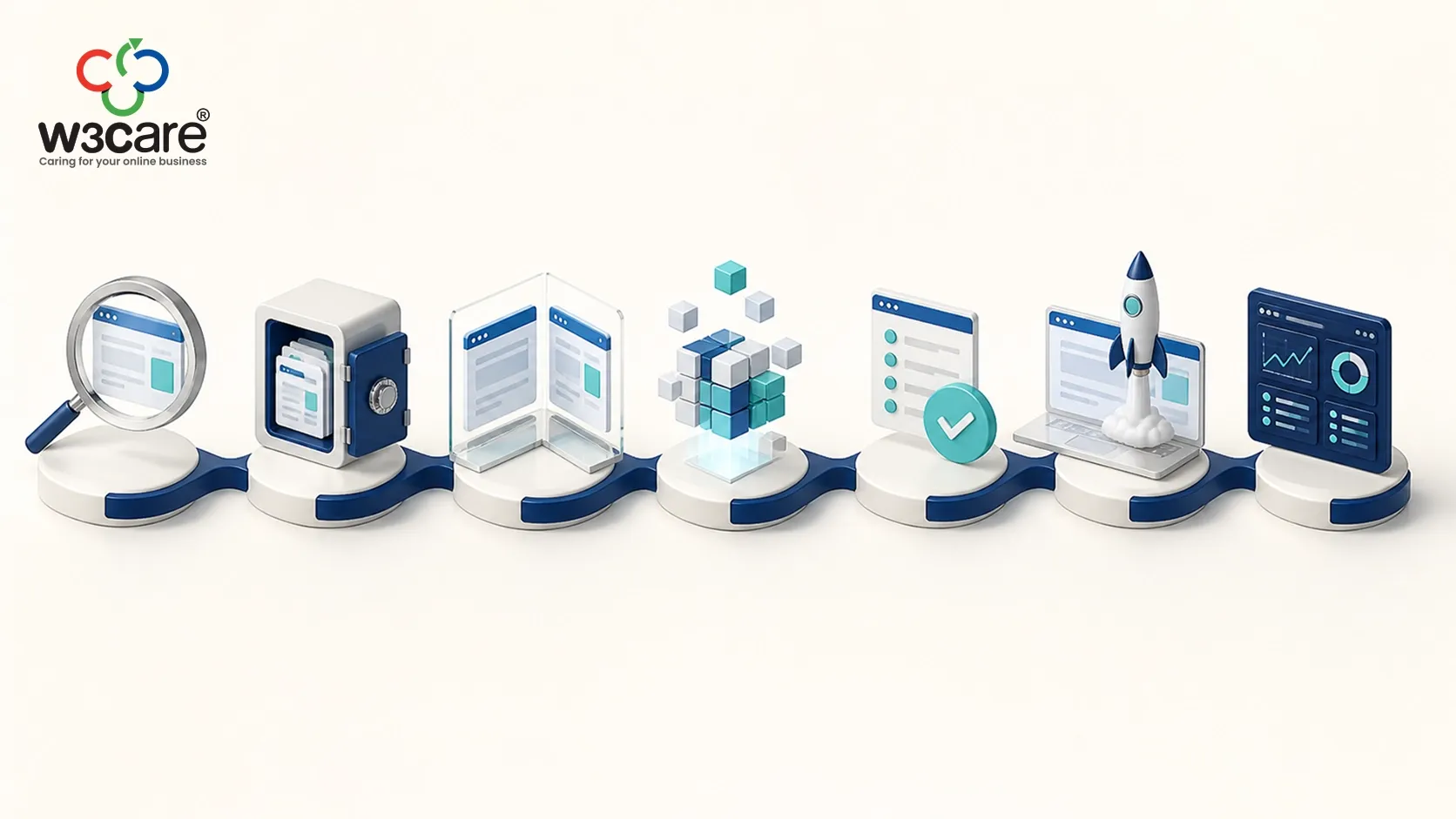
Review → Backup → Staging → Upgrade → Test → Deploy → Monitor
The important part is the discipline: a verified backup, a realistic staging environment, clearly defined critical workflows, responsible testers and a practical rollback route.
That is the difference between clicking an update button and managing a business platform.
If you are planning an upgrade but are unsure whether your current website is ready, W3care's free WordPress 7.1 Upgrade Assessment can help you identify potential compatibility risks and understand the next steps before making changes to your live website.
What should CEOs take from WordPress 7.1?
The important part is the discipline: a verified backup, a realistic staging environment, clear critical workflows, responsible testers and a practical rollback route.
That is the difference between clicking an update button and managing a business platform.
What should CEOs take from WordPress 7.1?
You do not need to understand how WordPress 7.1 works. You need confidence that someone responsible for your digital platform does.
If the website contributes to sales, lead generation, customer service, recruitment, communications or brand credibility, it is already part of the operating infrastructure of the business.
That makes ownership important. Who understands the dependencies? Who decides when upgrades happen? Who confirms that marketing systems still work? Who monitors unsupported plugins and integrations? How quickly could the business restore the website after a failed deployment?
These are governance questions, not merely WordPress questions.
We have previously written about treating your website as a business asset, and major platform releases are a good example of why that mindset matters.
Projects get updated when someone remembers them. Business assets have owners, maintenance plans and lifecycle decisions.
The most valuable WordPress 7.1 question may not be about WordPress 7.1
A major release creates a useful opportunity to look beyond the update itself. If your website has been running for several years, ask:
What has accumulated around it?
Plugins that are no longer necessary? Custom code nobody wants to change? Fragile integrations? Outdated infrastructure? Untrusted analytics?
Manual publishing workflows? Mobile experiences designed for earlier customer behaviour?
Digital platforms naturally accumulate complexity as businesses change. Yesterday's reasonable solution can become today's technical debt. The important thing is recognising when that has happened.
WordPress 7.1 gives technology teams a natural reason to review some of those decisions rather than simply installing another version on top of them.
WordPress is also preparing for a more connected future
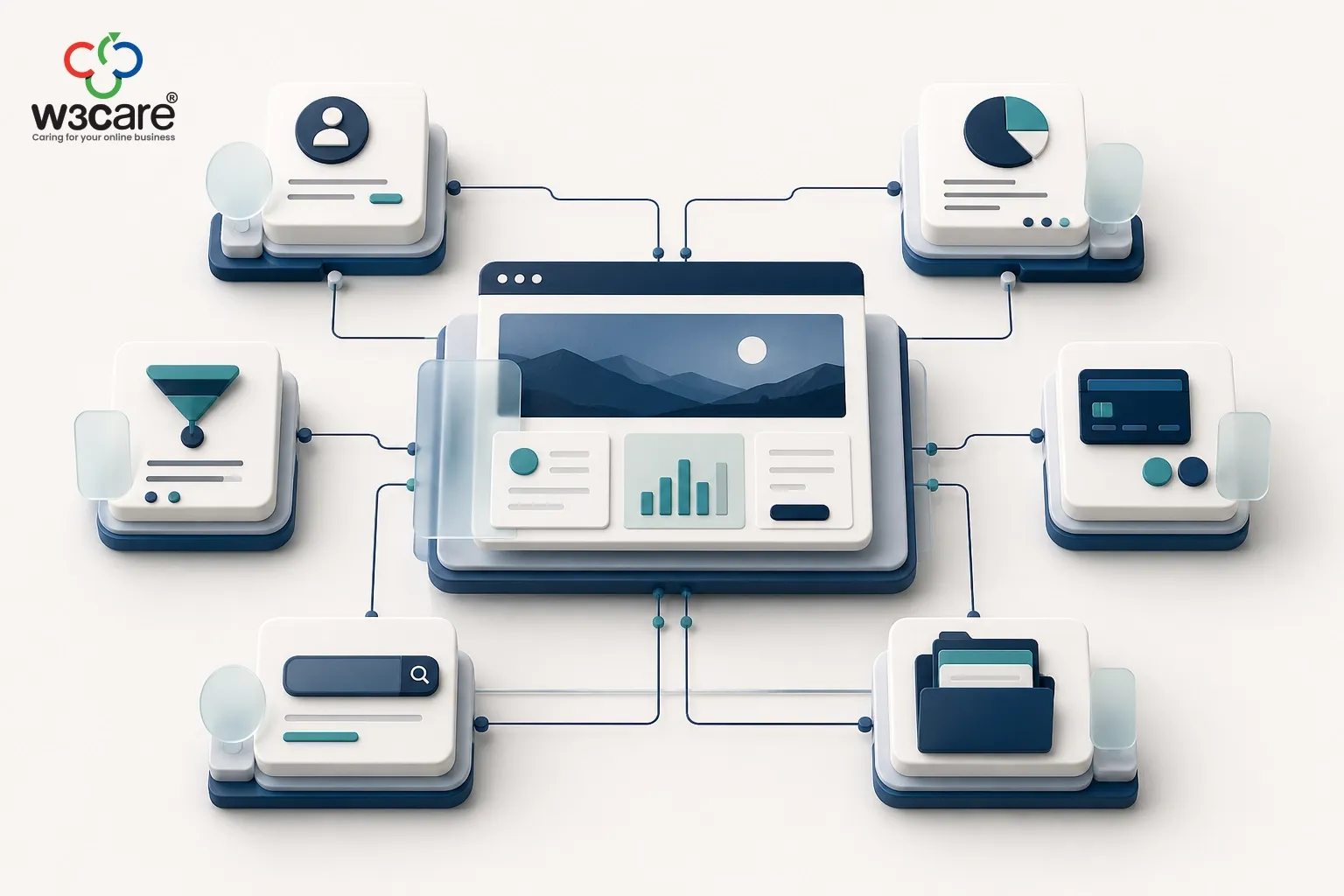
One strategically interesting area is continued work around the Abilities API. Most businesses will not interact with it directly today; its importance lies in the direction it suggests.
Websites are gradually moving beyond systems that humans operate entirely through an administration interface.
They increasingly participate in larger workflows involving CRM platforms, automation systems, internal applications and AI-assisted tools.
That means future CMS platforms will need reliable ways for other systems to understand what they can do and interact with those capabilities safely.
WordPress is beginning to build more of that foundation. Businesses do not need to redesign their strategy around AI because of version 7.1, but technology leaders should pay attention. The CMS of the future will not simply store pages; it will increasingly participate in business processes.
The leadership takeaway
A WordPress upgrade is successful when nobody in the business needs to notice that it happened.
Customers continue browsing, enquiring and buying. Marketing continues receiving leads and accurate data. Content teams continue publishing.
Integrations continue working. The platform remains secure, reliable and manageable.
WordPress 7.1 gives businesses several useful reasons to modernise. Better responsive controls can reduce design friction. Media processing improvements can make publishing more resilient. Notes can simplify collaboration. The underlying platform continues preparing for a more connected and automated future.
But perhaps the most valuable question created by WordPress 7.1 has nothing to do with a new feature:
Is the platform around WordPress still supporting the business as effectively as it should?
If the answer is not immediately clear, the upgrade may be a good time to find out.
ABOUT THE AUTHOR
Satya Prakash is the Founder and CEO of W3care Technologies, with more than two decades of experience in technology and digital solutions. His perspective is informed by W3care’s practical experience building, maintaining, upgrading and supporting business-critical WordPress platforms.
- Beyond the Purchase Price: A Leadership Framework for Technology Decisions
- WordPress 7.1 Is Here: What Businesses Should Know Before Upgrading
- DDoS Attacks Are Getting Faster. Is Your Business Ready for the First 10 Minutes?
- Digital Independence: The Competitive Advantage Most Businesses Overlook
- Your Website Is Getting Traffic. Why Isn’t It Generating More Business?
- Your Website Is a Business Asset
- Still Running PHP 7.4? Upgrade Before It Costs Your Business
- How Businesses Are Being Targeted by Modern Cyber Fraud in 2026
- W3care Recognized as a Top Firm by 50Pros (Spring 2026)
- The Hidden Cost of Cheap Web Development